Players across Arrakis have been battling more than just sandworms in 2025. The notorious Dune: Awakening JF4 error has been plaguing the gaming community since the game's latest expansion. This connection error code has left many stranded in the desert, unable to access their hard-earned resources and carefully crafted bases. Let's dive into what causes this frustrating issue and how you can overcome it to get back to harvesting spice.
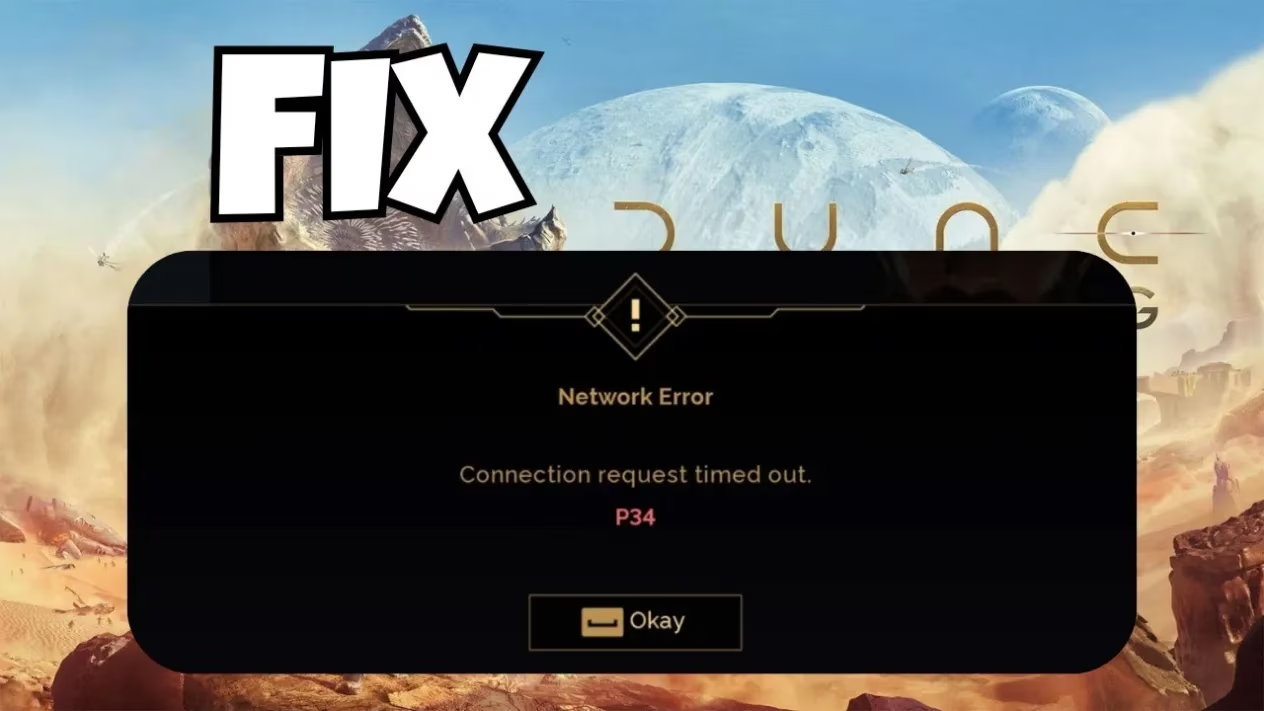
The Dune: Awakening JF4 error typically appears when attempting to connect to game servers, often accompanied by the dreaded message: "Content corruption detected, Steam will validate your files the next time you launch the game! The game will now close!" This error has been particularly troublesome since the Arrakeen Nights update released earlier this year.
Understanding the JF4 Error
The JF4 error in Dune: Awakening is primarily a content validation failure. The game's verification system believes your local files have been corrupted or modified in some way. This doesn't necessarily mean your files are actually damaged - sometimes it's just the verification process itself that's gone haywire. Like a suspicious Bene Gesserit, the game's security protocols can be a bit too zealous for their own good!
Common triggers for the JF4 error include:
-
Incomplete game updates
-
Server maintenance periods
-
Graphics driver incompatibilities
-
RAM issues or memory allocation problems
-
Firewall or antivirus interference
Proven Solutions to Fix the Error
1. Verify Game Files Integrity
This should be your first line of defense against the sandstorm of errors:
-
Right-click Dune: Awakening in your Steam library
-
Select Properties
-
Navigate to the Local Files tab
-
Click "Verify integrity of game files"
This process might take several minutes, but it's worth the wait if it resolves your JF4 error.
2. Roll Back Graphics Drivers
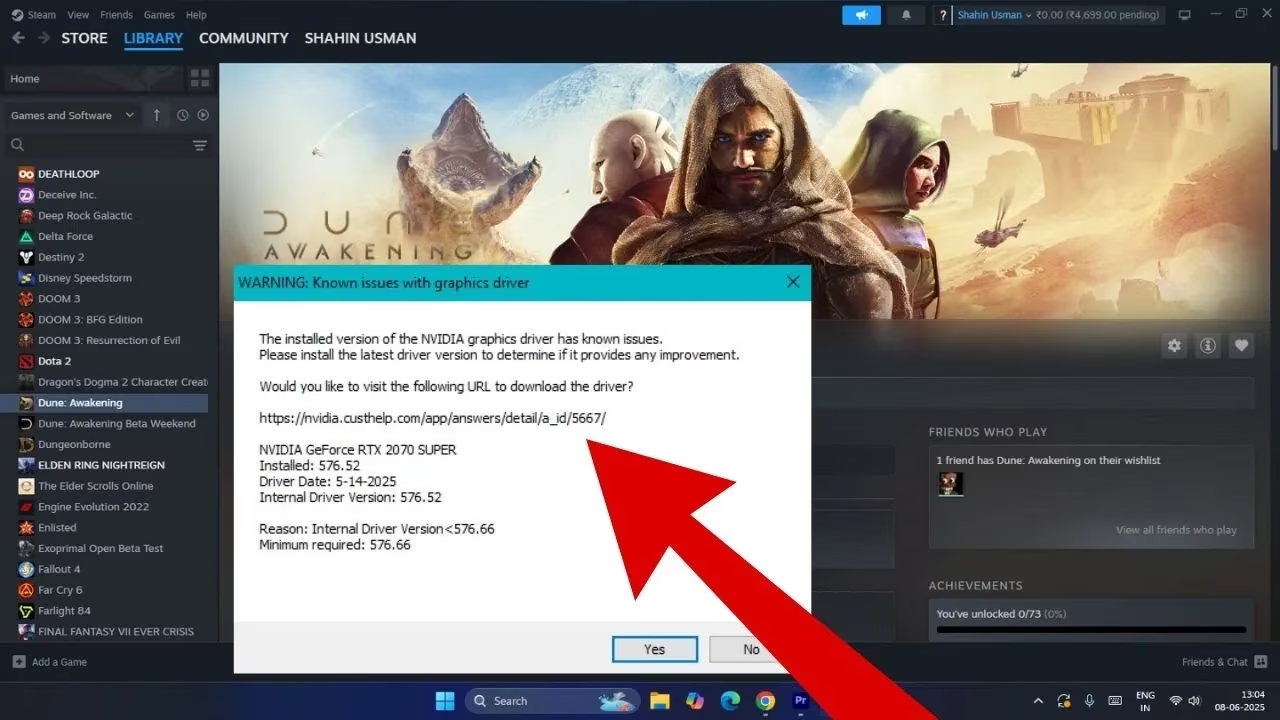
Many players have reported success by downgrading their NVIDIA drivers to version 566.36. The latest drivers sometimes don't play nice with Dune: Awakening's desert landscapes. Think of it as finding that perfect stillsuit setting - sometimes the newest isn't always the best for survival!
3. Check Your RAM
Memory issues can trigger the JF4 error more often than you might expect. As one player noted: "I also had problems, and in my case it was the RAM." You can use Windows Memory Diagnostic tool to check if your RAM is functioning properly:
-
Press Win+R
-
Type "mdsched.exe" and press Enter
-
Follow the on-screen instructions
4. Firewall and Antivirus Exceptions
Your security software might be treating Dune: Awakening like a hostile Harkonnen. Add exceptions for both the game executable and Steam in your firewall and antivirus settings.
When All Else Fails
If you're still experiencing the JF4 error after trying the above solutions, consider these more drastic measures:
-
Complete reinstallation of the game (painful, I know, but sometimes necessary)
-
Check Funcom's official troubleshooting guide at: https://funcom.helpshift.com/hc/en/4-dune-awakening/faq/53-dune-awakening-is-crashing-freezing-slow/
-
Join the official Discord server where developers frequently post about known issues and upcoming fixes
The Cost of Crashes
The JF4 error isn't just annoying - it can be costly in terms of game progress. As one frustrated player lamented, "I've lost 3 bikes and a full inventory to the worm when it has crashed." The game doesn't always save your progress when it crashes, which can result in lost resources, vehicles, and even character progress in some cases.
Remember that character issues are sometimes server-specific. If you're having persistent problems on one server, you might need to create a new character on a different server - not ideal, but sometimes necessary to continue your journey on Arrakis.
The Future of Fixes
Funcom has acknowledged the JF4 error in their recent community updates and has promised additional stability improvements in the upcoming Desert Bloom patch expected later this quarter. Until then, the community continues to share workarounds and support each other through these technical difficulties.
The spice must flow, and so must your game - hopefully these solutions will help you overcome the Dune: Awakening JF4 error and get back to your adventures on Arrakis. Remember, as the Fremen say: "God created Arrakis to train the faithful" - perhaps these technical challenges are just part of your training!